

On desktops and laptops the easiest way to install WhoFundsWho is via the Chrome Web Store.

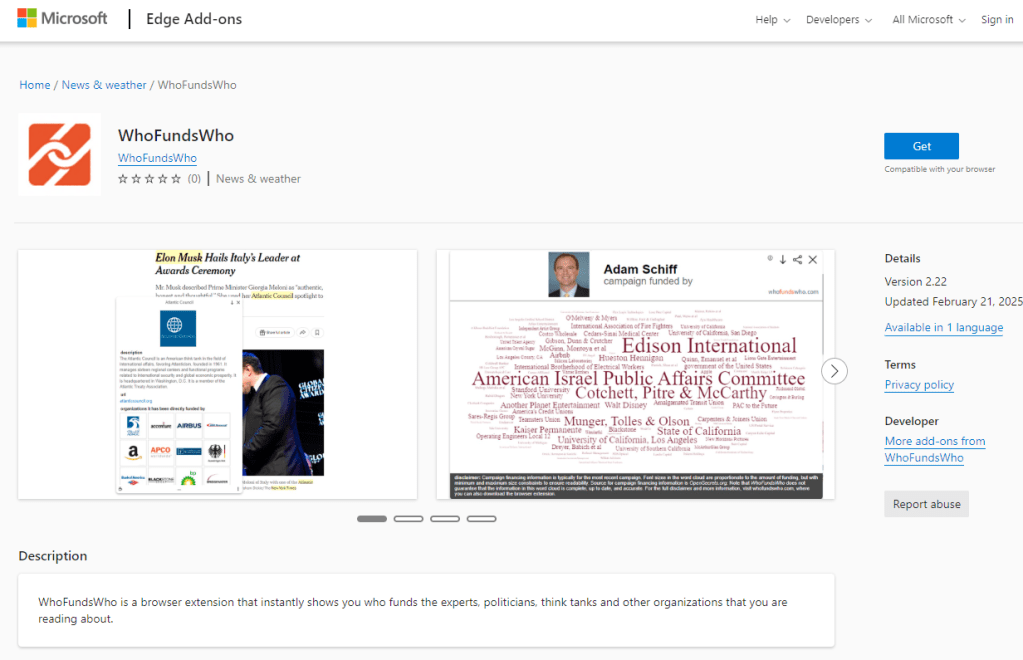
You can also install WhoFundsWho as a Microsoft Edge add-on via the Microsoft Edge Add-on store.
Alternatively, you can download the zip file from GitHub and install it in your browser manually:
Manual Installation
If you prefer not to use the Chrome Web Store, follow these steps to manually install the extension:
-
Download the zip file from Github:
- In the repository click on the
whofundswho.zipfile. - Then click on the horizontal triple dots in the top right corner of the file view.
- Select “Download” to download the zip file.
- In the repository click on the
-
Extract the zip file:
- Locate the downloaded
whofundswho.zipfile on your computer. - Right-click the zip file and select “Extract All…” or use your preferred extraction tool.
- This will create a folder named
dist.
- Locate the downloaded
-
Open Chrome’s Extension Manager:
- In Chrome, navigate to
chrome://extensions/by typing it into the address bar and pressing Enter, or by navigating to it in the browser’s menu.
- In Chrome, navigate to
-
Enable Developer Mode:
- In the top right corner of the Extensions page, toggle the “Developer mode” switch to the “On” position.
-
Load the Unpacked Extension:
- Click on the “Load unpacked” button.
- In the file chooser dialog, navigate to the location of the extracted
distfolder. - Select the
distfolder and click “Select Folder”.
-
Enable the Extension:
- After loading, ensure that the WhoFundsWho extension is enabled. If not, toggle the switch next to it.
-
Configure the Extension:
- Upon installation, the Options page will open automatically.
- Choose your preferred settings as described on the Options page itself.
Android
WhoFundsWho is also available on Android via the Microsoft Edge Canary browser. For instructions on how to install WhoFundsWho, see the instructions on this page.
 WhoFundsWho